
Benefits of TVP.X
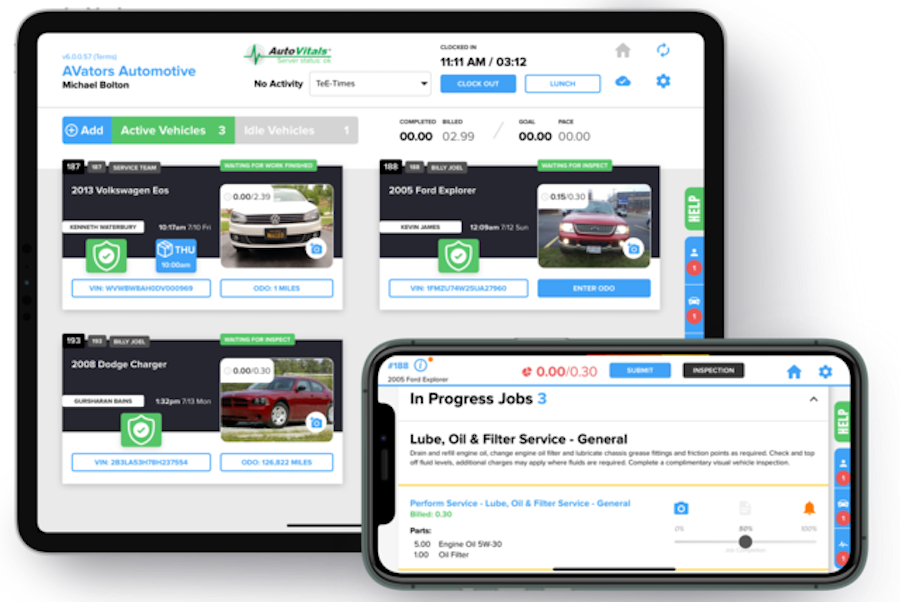
Prepare for the Upgrade
1. Watch the TVP.X Upgrade Training Video
Please watch our training video to ensure you and your shop team are prepared to be upgraded to TVP.X.
2. Download the autovitals.x app onto your tablets
3. Bookmark tvpx.autovitals.com on all your computers.
Your Service Advisors will now use tvpx.autovitals.com to log in.
4. Review additional support articles
Frequently Asked Questions
How do I login to TVP.X
To login to the new TVP.X, all staff members listed in your point of sale have their own personal code to login into either the TVP and/or technician app. To find your team’s personal codes:
- Login to https://tvpx.autovitals.com/
- Click the hamburger menu in the top right corner
- Click “TVPX/Tablet Login Codes”

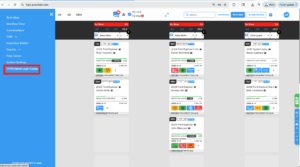
You can also find your team member’s login credentials by going to the System’s Setting page.
- Visit https://shop.autovitals.com/settings-app/#/login
- Login with your email and welcome code
- Click “TVPx/Tablet login codes” to view all assigned personal codes

What devices are supported for AutoVitals.X?
Please visit www.autovitals.com/hardware to view our supported Android and Apple devices.
Is this update mandatory?
Yes, beginning May 1st, you will no longer be able to access the legacy Today’s Vehicle Page (TVP).
Retired Features
After careful consideration, some functionalities have been retired and updated. Please download the PDF below for a full list of retired features and their updates.